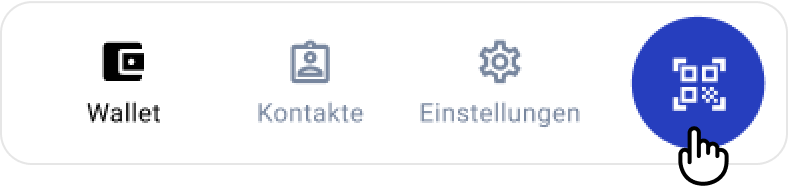
Tap the QR Code Scanner button
in the Lissi Wallet app
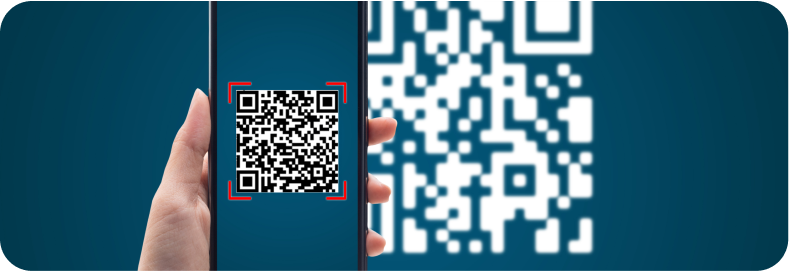
Scan the QR code displayed on your screen
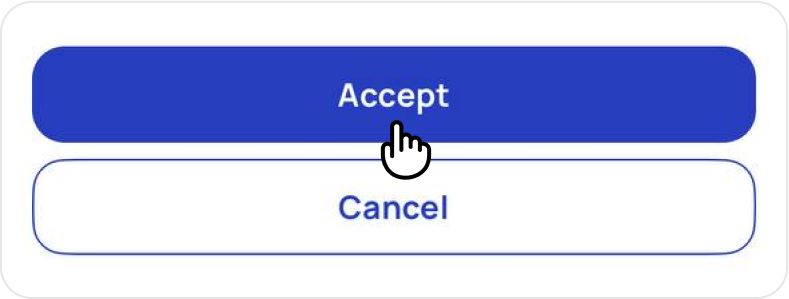
Tap Accept to proceed
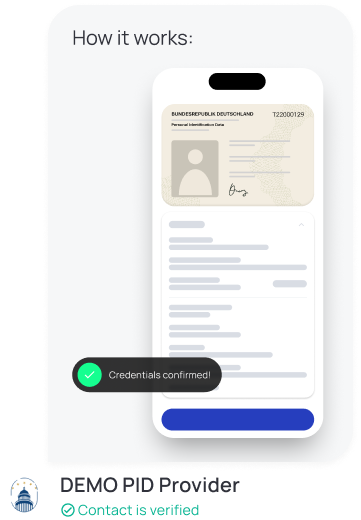
All data shown is for demonstration purposes only


Scan the QR-code with your Lissi app to receive and confirm your credentials for the demo.
Tap the button to add your PID to your EUDI Wallet.